Travel creator
A walking tour has clear foreground buildings, roads, and distant landmarks.
Use moderate depth and test camera movement before exporting the full sequence.
how can I convert a 2D image to 3DVideo depth workflow
How can I convert a 2D video to a 3D video without making motion look unnatural? The workflow estimates depth, builds a second view, then exports a format suited to your display.
A 2D source contains one view for each frame. A 3D result adds a second viewpoint or depth signal, so the conversion is an informed reconstruction rather than a simple format change.
2D video
3D video
2D video
One recorded viewpoint
3D video
Two views or a depth-guided pair
2D video
Usually implicit in lighting, scale, and motion
3D video
Estimated or explicitly encoded
2D video
Single image plane
3D video
Left and right eye perspectives
2D video
Not visible in the source
3D video
Must be inferred or filled
2D video
Standard video player
3D video
3D display, headset, or compatible player
2D video
MP4, MOV, or another flat video
3D video
Side-by-side, top-and-bottom, or depth-aware video
2D video
Primarily decode and encode
3D video
Depth estimation, view synthesis, and encode
Depth conversion cannot recover detail that the camera never captured. The most visible compromises appear around hair, transparent objects, fast movement, reflections, and areas hidden behind foreground subjects.
The divider highlights added separation, not newly captured camera detail.
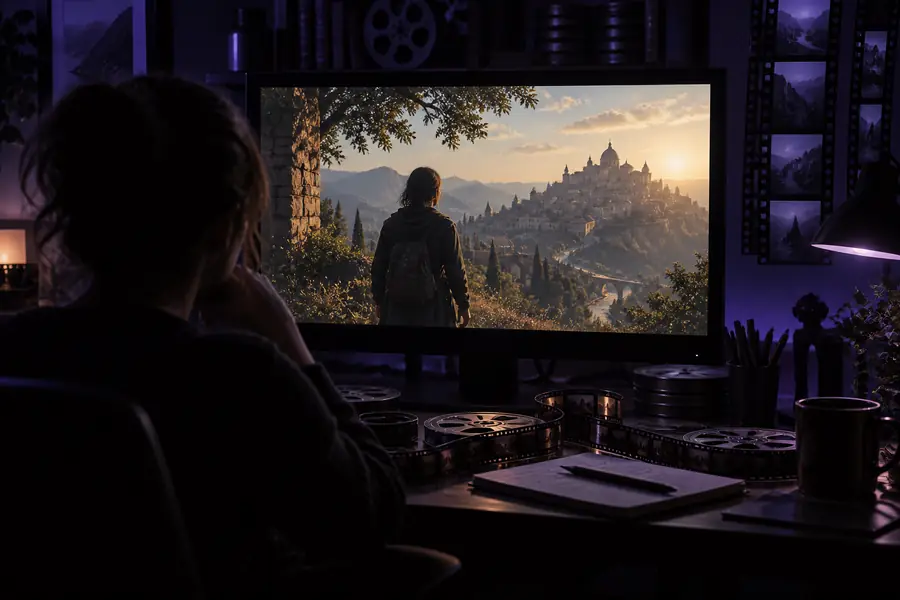
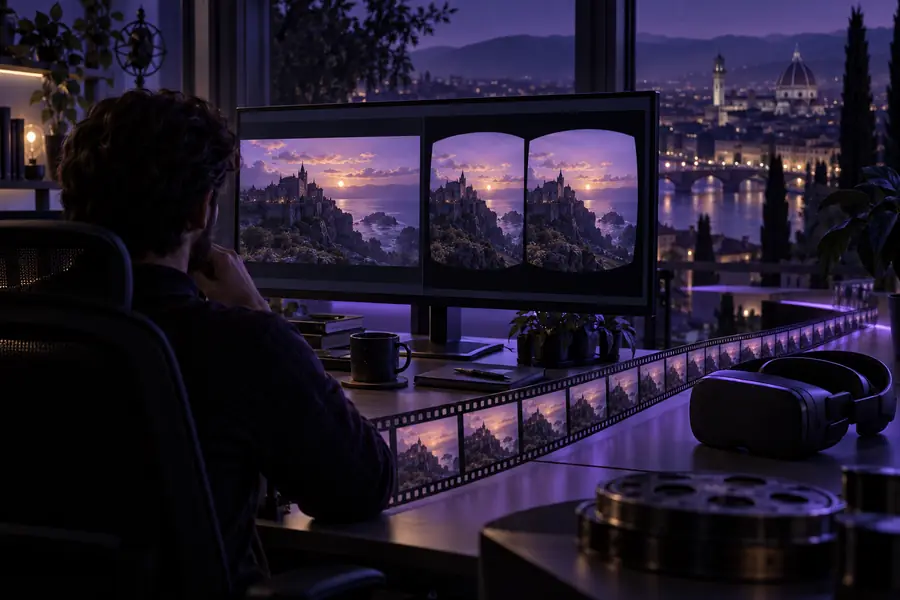
Choose the source by subject, motion, and intended viewing method. These starting points help you decide whether a video workflow or a still-image workflow is the better fit.
A walking tour has clear foreground buildings, roads, and distant landmarks.
Use moderate depth and test camera movement before exporting the full sequence.
how can I convert a 2D image to 3DA home video contains faces, furniture, and slow handheld motion.
Prioritize comfortable depth over dramatic separation and inspect faces frame by frame.
how can I convert a 2D image to 3DA tabletop clip shows one object rotating against a simple background.
Mask the product carefully and keep the background depth restrained for clean edges.
how can I convert a 2D image to 3DA recorded lesson mixes a presenter, slides, and occasional screen movement.
Separate the presenter from the slide plane and verify text remains readable in both views.
how can I convert a 2D image to 3DA reliable review checks more than whether the file opens. Confirm depth comfort, edge stability, and synchronization before sharing the finished video.
Consumer cameras and editing tools make left-right video capture and side-by-side delivery easier to produce.
Machine-learning systems begin inferring scene structure from a single image or video frame.
Conversion workflows focus on keeping estimated depth stable across motion instead of treating every frame independently.
Creators choose side-by-side, top-and-bottom, or depth-aware delivery based on the headset, screen, or player.
frames
checks
minutes
These answers cover the main practical question behind converting flat footage into a stereoscopic or depth-aware result.
Most ordinary video can be processed, but results depend on resolution, motion, lighting, and visible scene structure. Clips with severe blur, transparency, or rapid cuts usually need more manual review.
It creates an estimated depth effect rather than recovering a second camera angle that was never recorded. The result can feel spatial, but hidden surfaces and fine details may be inferred.
Scenes with distinct foreground and background layers, steady motion, and good lighting are usually easier. Simple product shots, landscapes, and slow interviews are useful starting points.
Watch movement near faces, hair, thin objects, and frame edges. Check that both views stay aligned, text remains readable, and the depth feels comfortable throughout the clip.