When
You want to add depth to existing photos or clips
Then
Use Owl3D as a fast conversion starting point
It can provide a spatial treatment without requiring you to rebuild the entire scene manually.
Owl3D explained
How does Owl3D work? It analyzes ordinary images or video, estimates depth and object boundaries, then builds the visual information needed to present the scene with a stronger sense of 3D space.
One-line definition
Owl3D is a conversion workflow that uses computer vision to infer which parts of a frame are near or far. It does not recover a hidden camera view perfectly; it creates a convincing depth interpretation from the information that is available.
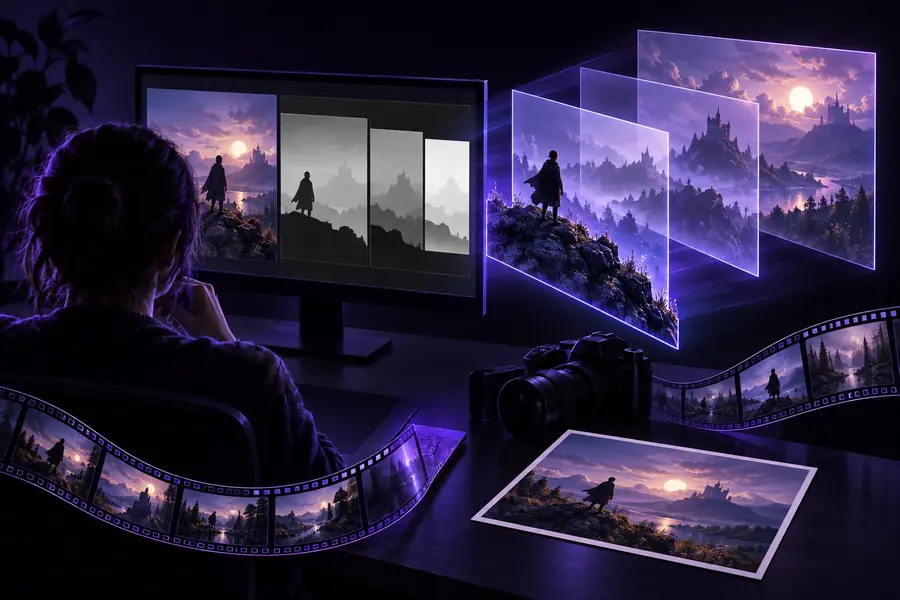
Owl3D examines an image or video frame for edges, surfaces, people, objects, lighting cues, and likely foreground-to-background relationships.
Its processing assigns relative depth across the scene, separating nearer details from distant areas so the source can be represented with more spatial separation.
The inferred depth information is combined with the original content to create a 3D-ready output for compatible viewing, editing, or presentation workflows.
Related workflows
The same basic idea applies across several entry points: start with a still image, a video, or a computer-based conversion workflow, then review the generated depth result.
Before processing
Good source material gives the depth estimation clearer evidence. These requirements do not guarantee a perfect result, but they reduce ambiguity during conversion.
A readable image or video with visible subjects and surfaces
RequiredAvoid heavily corrupted or extremely compressed sources.
Enough contrast between foreground subjects and the background
RequiredClear separation gives the system stronger depth cues.
A stable, understandable composition
RequiredSimple camera movement is generally easier to interpret than chaotic motion.
A supported source format and a place to save the result
RequiredThe exact options depend on the workflow and output you choose.
Manual cleanup or creative editing after conversion
OptionalOptional when the generated result already matches your intended use.
Format evolution
Owl3D belongs to a longer progression from manually authored depth to automated depth estimation. Each stage reduces some production effort while keeping human review important.
Artists and technical teams often created depth maps, camera views, or geometry manually for each scene.
Special cameras and paired images captured separate left and right perspectives, but required controlled capture conditions.
Models learned to infer likely distance from perspective, texture, scale, lighting, and familiar visual patterns.
Workflows such as Owl3D make depth estimation more accessible for ordinary photos and videos, while still relying on source quality.
Creators use automated output as a starting point, then inspect edges, motion, occlusion, and artistic intent before sharing it.
Capabilities and limits
Owl3D can make ordinary media feel more spatial, but it is best understood as an inference tool rather than a complete reconstruction of reality.
Choose your workflow
The right use depends on whether you want a quick spatial effect, a repeatable production step, or a starting point for deeper creative work.
When
Then
Use Owl3D as a fast conversion starting point
It can provide a spatial treatment without requiring you to rebuild the entire scene manually.
When
Then
Convert, inspect, and test the result on the intended display
Depth that looks persuasive on one screen may need adjustment for another viewing setup.
When
Then
Treat Owl3D as an assistive first pass, not the final source of truth
Inference can estimate unseen areas, but it cannot reliably know every detail that was absent from the original media.
Visual difference
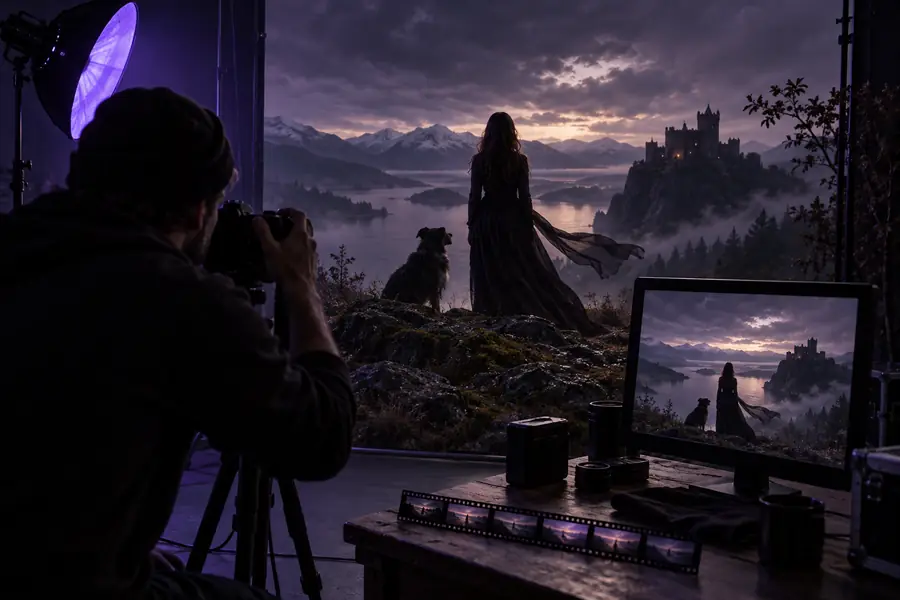
The before-and-after change is not the addition of a fully modeled world. It is the creation of enough depth separation to make the original composition read more spatially.
The result depends on source detail, contrast, movement, and the amount of hidden information in the original frame.
Common questions
These answers summarize the core idea behind the workflow and set realistic expectations for automated 3D conversion.
Owl3D analyzes a flat image or video and estimates the relative depth of objects, surfaces, and background areas. It then uses that depth interpretation with the original media to create a more spatial 3D-ready result.
Not necessarily. It primarily infers depth from existing visual information, so the result may look spatial without containing fully modeled geometry or every hidden side of an object.
The workflow can be applied to still images and video-based content, although video introduces extra concerns such as frame-to-frame consistency and motion. Results depend heavily on the source and the selected processing path.
Depth estimation works best when subjects, surfaces, and background layers are visually distinct. Occlusion, reflections, fast movement, low resolution, and missing background detail can make the inferred result less reliable.
Editing is optional, but review is useful when the output will be published or viewed in a demanding setting. Checking edges, subject separation, motion, and unexpected depth artifacts helps you decide whether the result is ready.