Family archivist
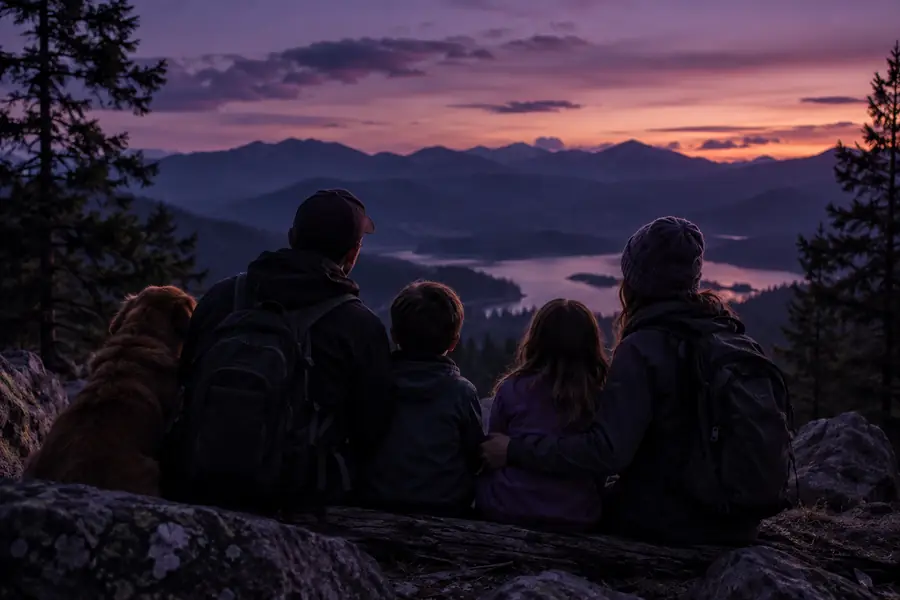
A treasured portrait has a clear subject but a visually flat background.
Create a gentle depth study that gives the face, clothing, and background more separation without changing the memory’s character.
2D image to 3D conversionPractical inspiration
These owl3d examples free show how a flat image or video can become a more convincing 3D-ready scene for testing, sharing, and creative planning.
Start with a use case
The strongest examples begin with a clear viewing goal. Pick the scenario first, then choose the source that gives depth estimation enough visual information to work with.
A treasured portrait has a clear subject but a visually flat background.
Create a gentle depth study that gives the face, clothing, and background more separation without changing the memory’s character.
2D image to 3D conversionA single product photo needs more presence for a concept board or presentation.
Test a layered product scene with a readable silhouette, controlled background depth, and a safer basis for future renders.
Owl3D reviewA short street or landscape clip has interesting foreground and distant elements but feels visually compressed.
Explore how motion, buildings, people, and sky might separate in a depth-aware presentation.
2D video to 3D videoA character reference or environment painting needs a quick spatial experiment before a larger 3D project.
Use a lightweight example to decide whether the composition benefits from depth before investing in full modeling.
how to use Owl3D on PCVisual comparison
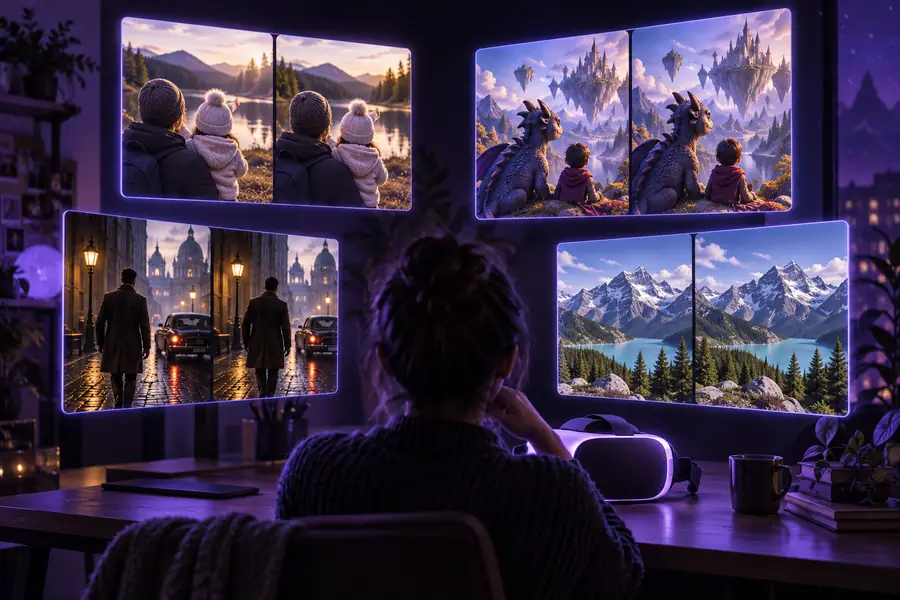
A useful example is not only the final frame. It is the visible change from source material to a depth-aware result, along with the choices made before conversion.
The pair illustrates the format, not a promise that every source will produce the same result.
Format evolution
The format has developed from simple visual experiments into a repeatable way to test depth, motion, and presentation choices before committing to a larger production.
Creators began by separating obvious foreground and background elements in a single image to preview a basic depth effect.
Moving footage made the workflow more demanding because depth relationships needed to remain believable from frame to frame.
Portraits, products, landscapes, and character art became useful test subjects because each reveals different strengths and failure points.
A quick conversion can now serve as a planning reference for composition, camera feel, asset selection, and whether full 3D work is justified.
Make the right choice
Choose the workflow according to the rights, privacy, and quality of the source. A technically interesting result is still unsuitable if you cannot share the input or output responsibly.
When
Then
Use a portrait, product shot, artwork, or scene as an exploratory example.
Clear rights make it easier to review, publish, and revise the result without creating avoidable ownership problems.
When
Then
Prefer consented material, remove sensitive details, and avoid presenting the conversion as an authentic record.
Depth changes can emphasize faces and context, so privacy should be considered before uploading or sharing.
When
Then
Treat it as a reference unless the creator has granted reuse permission.
Finding an image online does not automatically grant permission to convert, redistribute, or use it commercially.
A simple mental model
Plan before you convert
Use the slider to sketch a small example batch. This is a planning aid rather than a processing guarantee, so adjust the values to match your source quality and review needs.
minutes
frames
Scenario FAQ
Start with subjects that have visible separation between foreground and background, such as portraits, products, landscapes, and illustrated characters. Avoid treating the result as final production until you have checked edges, faces, reflections, and thin details.
Reddit can be useful for discovering community experiments and comparing different source types. Check the original poster’s permissions before downloading, converting, reposting, or using any example outside personal reference.
They can support early creative exploration, but commercial use depends on the rights to the source and the terms of the tool or workflow used. Confirm permission for people, logos, artwork, music, footage, and any third-party assets before publication.
Clear subject boundaries, consistent lighting, enough visual information, and restrained depth usually create a stronger starting point. Results may need manual cleanup when the source includes hair, transparent objects, reflections, crowded scenes, or fast camera movement.
Yes, the planning approach works for both, but video adds temporal consistency as a new concern. Test a short representative segment first and inspect whether depth remains stable across movement and cuts.